


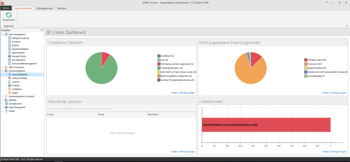
"The transparent mapping of the software used by our acmp license management makes a significant contribution to cost optimization in medium-sized companies," explains Wilko Frenzel, Managing Director of aagon GmbH. "In this way, unused software and its licenses can be quickly identified. This in turn significantly reduces the costs of investing in and maintaining the software."
Other new features include the acmp DNA fingerprint database, a Comparex database that is updated daily and automatically identifies over 700,000 releases from more than 14,000 manufacturers with all their key features and indicates which software requires a license. Based on the specifications of the software used, acmp DNA classifies the programs into categories and thus helps to quickly identify software of the same type. The company can also define and mark unwanted software categories and, if desired, define automated responses - from internal notification to automatic uninstallation.
The other components of acmp Suite 5.2. also contain numerous practical upgrades - such as the Asset management. Asset types can now be assigned special inventory numbers to facilitate subsequent allocation. For example No_123 for notebooks or Ti_456 for the tables category. And for the Helpdesk it is now possible to specify different recipient addresses so that the respective tasks are immediately assigned to the corresponding agents.
In addition to the new functions mentioned here, many other exciting features await the user in the release notes .